Licence request
Send us the request code from your Shinel Care computer. We send the licence key back by email.
Where to find the request code
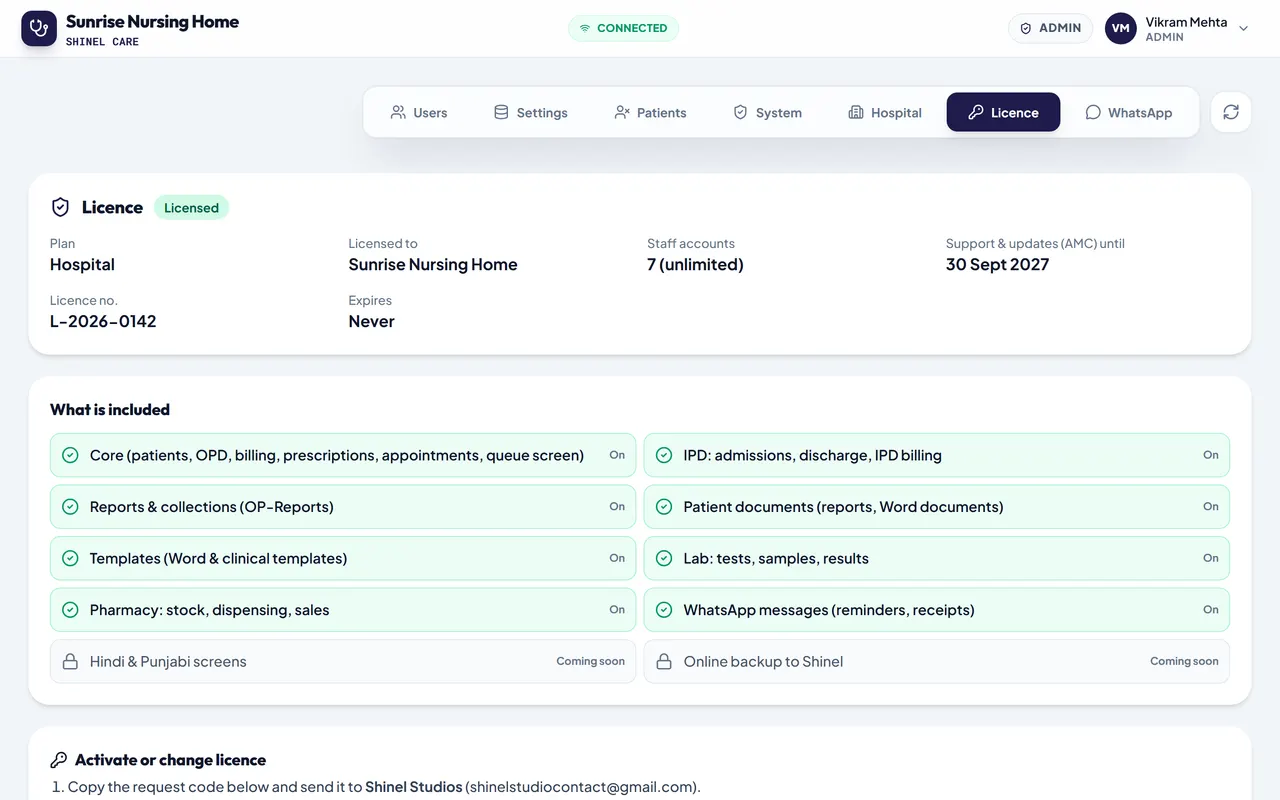
- On the main computer, sign in as the admin and open Admin > Licence.
- Copy the request code. It starts with
HMSR1-. - Paste it in the form with your details and press Send.
- We send the licence key to your email. Paste it in Admin > Licence.
The request code contains no patient data. Keys are made on our own licence computer, never on this website.